Touchbase Feed
Touchbase Events
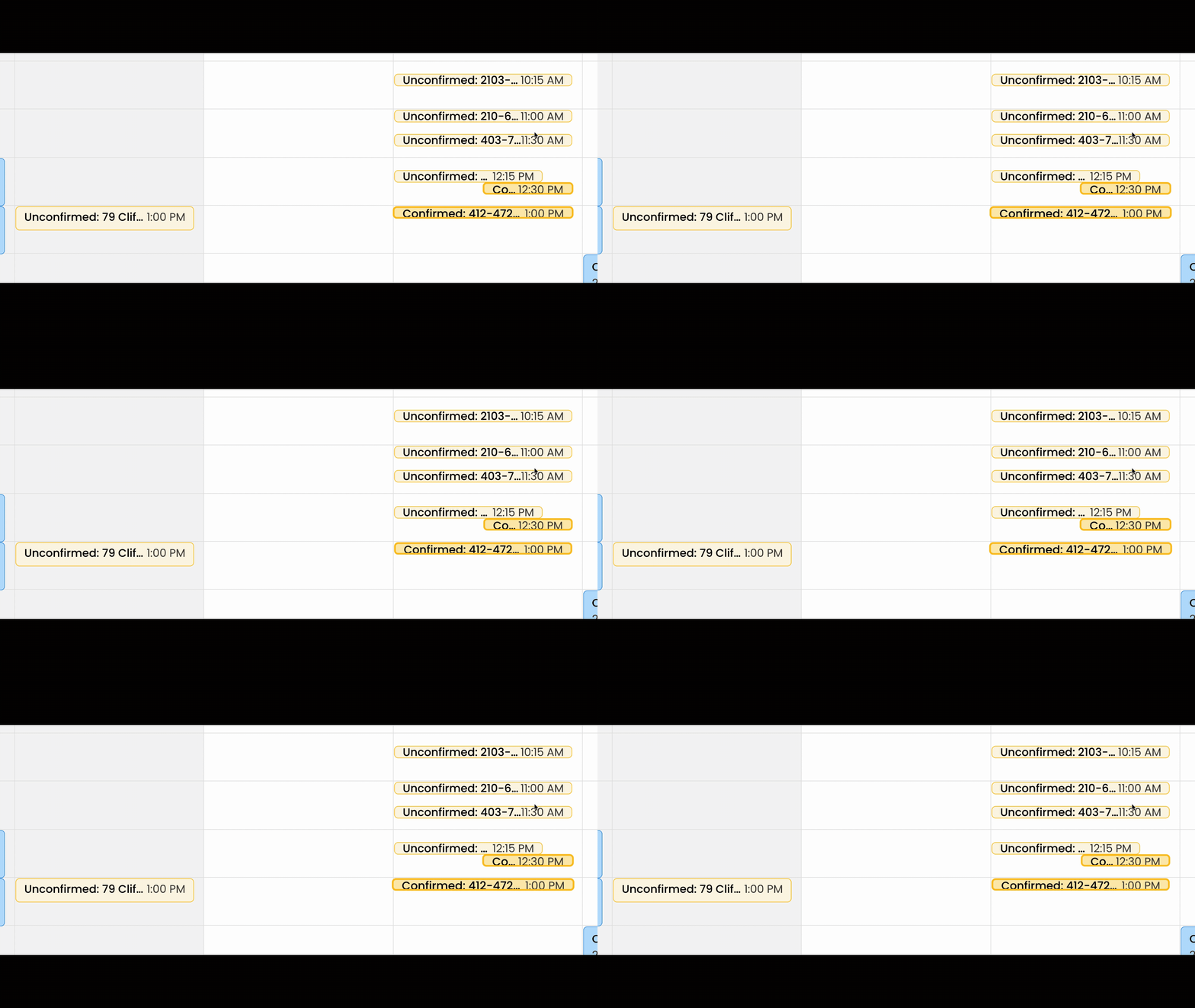
If you have integrated your Touchbase calendar feed, showing appointments from Touchbase will appear directly on your Reach calendar. Confirmed events that haven't yet been added to Reach will feature a pulsing border animation to draw your attention.
Go check out Settings - Touchbase feed to get your weblink from your Touchbase account and connect it to Reach.
Converting a Touchbase Event to Reach
To turn a Touchbase appointment into a Reach Showing event:
You must first confirm the event is Confirmed in Touchbase first. Touchbase -> Reach is a feed not a full integration. Unfortunately, Touchbase events cannot be confirmed in Reach (or modified); this must be done within Touchbase. Only once confirmed, can you add the event to Reach (and connect to a Client or Listing).
In the Touchbase Feed (on the left side), click on the "Add to Reach" button. This button is only shown on Confirmed Touchbase events.
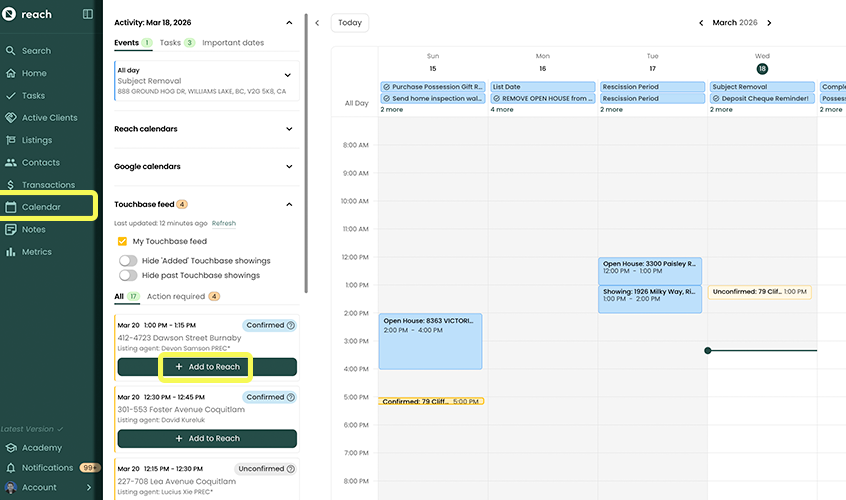
Click the Add to Reach button.
The dialog will intelligently guess whether you are the listing or showing agent, attempt to match existing listings or buyers in your system, and automatically extract the agent's name, phone number, brokerage, and property address from the Touchbase event description.
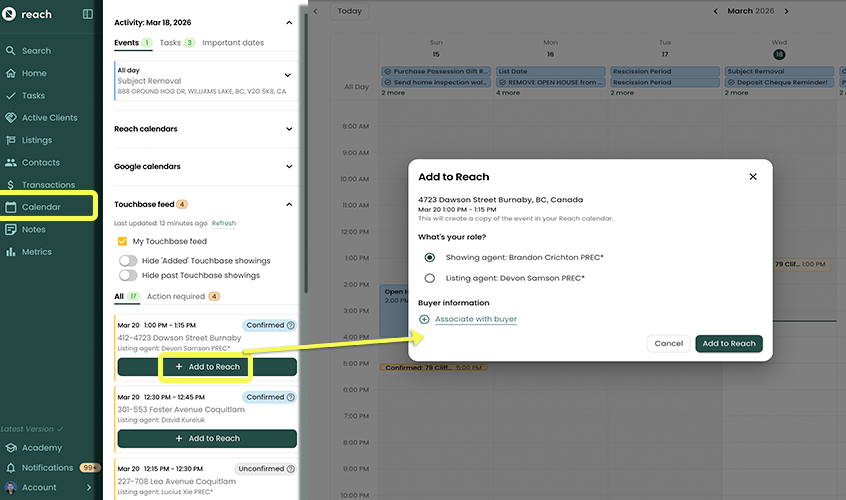
You will be prompted to confirm the details and optionally create a new Agent contact automatically if the agent is not already in your Agent list in Reach.
Click Save to add the event to your Reach calendar.
Once converted, the event acts as a standard Reach Showing event, complete with property and agent details.
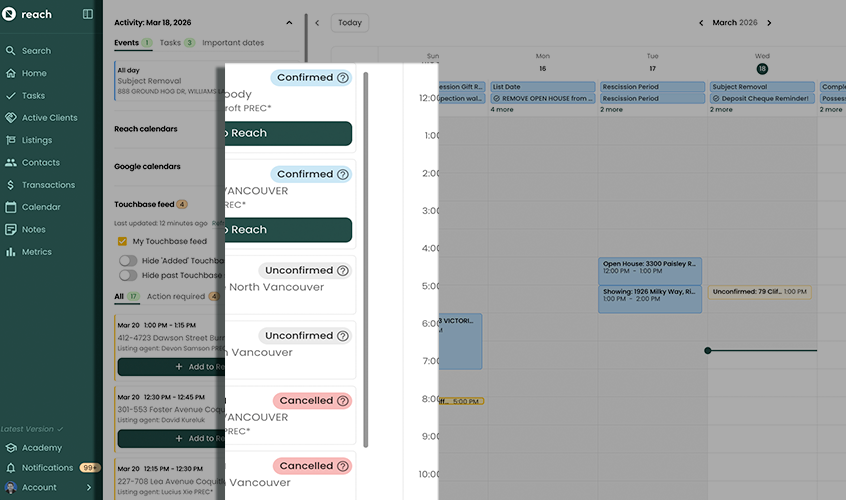
Possible Touchbase Event Status Tags
| Label | Meaning |
|---|---|
| Unconfirmed | This event has not been confirmed in Touchbase yet, and cannot be added to Reach |
| Confirmed | This event has been Confirmed in Touchbase, and is ready to be added to your Reach account. |
| Added | This event has been Confirmed in Touchbase and has been added in Reach. |
| Pending Change | This event has been Confirmed and Added, but a new time in Touchbase has not propagated to Reach yet. |
| Conflict | This event has been Confirmed and Added, but it appears that the times differ between the Reach event and the Touchbase event. Refer to Touchbase to finalize the event. |
| Cancelled | This event was previously requested, and cancelled in Touchbase |